
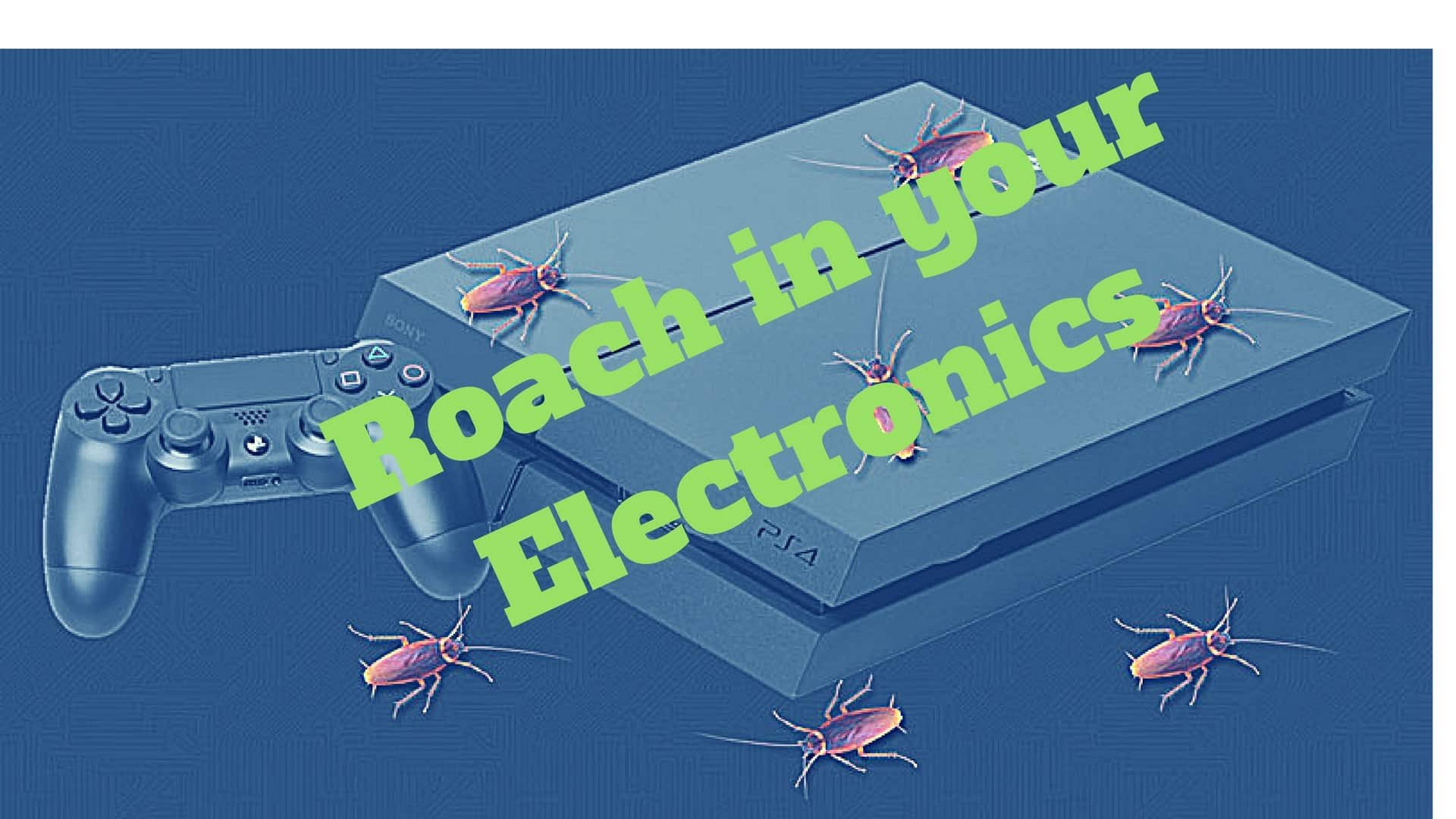
Do not spray liquid pesticide, apply loose powder, or place wet bait inside powered electronics. Disconnect the device if it is safe to do so, isolate it, remove nearby food and moisture, monitor the surrounding area, and treat the room-level infestation rather than risking damage or electrical exposure.
Why electronics attract cockroaches
Electronics can provide warmth, darkness, narrow gaps, and protection. Food residue near game consoles, kitchen appliances, computers, routers, and entertainment equipment makes the area more suitable. Brown-banded cockroaches may occupy warm, dry, elevated locations; German cockroaches often concentrate near kitchens and moisture.
| Device type | Primary concern | Safer first action |
|---|---|---|
| Computer, console, or router | Warm vents and nearby food residue | Power down normally, unplug if safe, isolate, and monitor externally |
| Kitchen appliance | Heat plus grease, crumbs, or moisture | Follow manufacturer cleaning guidance and treat the surrounding kitchen |
| Television or display | High voltage and inaccessible components | Do not open; use an authorized repair technician |
| Microwave or power supply | Potential stored electrical energy | Do not disassemble; obtain qualified service |
A safer removal process
- Disconnect safely. Turn off and unplug the device only if doing so presents no electrical or operational risk. Never open equipment containing hazardous stored voltage.
- Isolate the item. Move a portable device to a clear, dry inspection area away from food. Avoid carrying it through multiple rooms uncovered.
- Inspect the exterior. Use a flashlight around vents, ports, seams, cable openings, and the surface beneath the device.
- Vacuum accessible debris. With the device unplugged, vacuum around—not deep inside—external seams and the surrounding furniture. Follow the manufacturer’s cleaning instructions.
- Monitor nearby. Place sticky traps against the wall or furniture beside the equipment, never where adhesive can enter vents.
- Treat the environment. Clean food residue, reduce clutter, repair moisture problems, seal cable and wall penetrations, and place labeled bait near travel routes rather than inside the electronics.
Practices that can damage equipment
- Spraying aerosol or liquid insecticide into vents
- Applying boric acid or other dust where it can contaminate components or become airborne
- Placing gel bait inside a powered device
- Using heat, freezing, or sealed-bag treatments without knowing the manufacturer’s temperature and condensation limits
- Opening power supplies, microwaves, displays, or appliances with stored electrical energy
When to use a technician or pest professional
Use an authorized repair technician if disassembly is required, especially for expensive, safety-critical, or high-voltage equipment. Use a licensed pest professional when several devices are affected or monitoring confirms a room-wide infestation. Replacing one device without controlling the source may simply move cockroaches to another warm hiding place.
Continue with the site-wide seven-step cockroach control plan and use the identification guide to determine the likely species.
Troubleshooting recurring activity
- Only one device is affected: inspect what was transported with it and the surface where it normally sits.
- Several devices are affected: treat this as a room or building infestation, not an equipment defect.
- Traps remain active after cleaning: expand monitoring to cable routes, furniture, wall penetrations, kitchens, and shared walls.
- A device must be moved: isolate it during transport and warn the receiving technician about pest evidence.
Frequently asked questions
Can freezing an electronic device kill cockroaches?
Do not attempt it without manufacturer guidance. Condensation and temperatures outside the rated range can damage components, and uncontrolled exposure may not reach every hidden insect or egg case.
Should I throw the device away?
Not automatically. Isolate it and consult a repair technician or pest professional. Discarding a device without controlling the surrounding source does not solve a room-wide infestation.
Source
Substantially reviewed and updated: August 2026.
Protect the device and the occupant
Electronics combine warmth, narrow voids, combustible dust, sensitive components, and electrical hazards. Do not spray liquid, release fogger aerosol, or blow loose pesticide dust into energized equipment. Disconnect only when safe and follow the manufacturer’s shutdown and cleaning instructions.
Device-specific priorities
| Device | First step |
|---|---|
| Router, console, computer | Move food away, shut down safely, monitor around—not inside—the device |
| Microwave or countertop appliance | Unplug if allowed, remove crumbs externally, inspect vents without disassembly |
| Refrigerator or dishwasher | Inspect accessible edges, drip area, motor vicinity, and nearby plumbing |
| Television or large equipment | Use external traps and obtain service help before opening the enclosure |
Recovery sequence
- Photograph and monitor the activity.
- Remove food and moisture from the room.
- Isolate portable equipment in a clean, dry container only if ventilation and fire safety allow; never operate it sealed.
- Use external protected bait near travel routes, not on circuitry.
- Have valuable or contaminated devices inspected by qualified service personnel.
- Continue monitoring the room because treating one device does not remove the source.
Do not use heat, freezing, compressed air, liquid pesticide, or improvised fumigation on electronics. These can cause fire, electric shock, component damage, toxic exposure, or spread insects into the room.
Prevention
Keep food and drinks away, vacuum room edges, manage cable openings, inspect used equipment, and monitor warm zones. For widespread activity follow the whole-home control plan.
Sources
2026 field review notes
Electronics require a non-destructive inspection plan. Disconnect power when the manufacturer allows it, avoid liquids and loose dust inside equipment, monitor nearby edges, and address the surrounding room so the device is not immediately reinfested.
Verification checklist
- Confirm the species or evidence before choosing treatment.
- Record active rooms and numbered trap counts before and after changes.
- Correct food, water, shelter, and entry conditions that support activity.
- Read and follow the entire product label, including storage and disposal.
- Escalate to a licensed professional when activity spreads or safe access is limited.
Sources and further reading
30-day verification plan
Use the first inspection as a baseline rather than relying on memory. Number every sticky monitor and write down its exact location, the date, the number and life stage of cockroaches captured, and any nearby food, moisture, heat, or structural gap. Recheck the same locations after seven days. A decline across the active traps is more meaningful than a quiet night with no visible insects.
During the second week, correct conditions that the first inspection missed. Clean grease and crumbs in protected edges, repair small leaks or condensation problems, reduce cardboard and clutter, and inspect the routes connecting the active room to adjacent cabinets, plumbing, appliances, or units. Refresh only those treatment placements that the product label allows and that are consumed, contaminated, or no longer usable.
At days 21–30, compare the new map with the baseline. Persistent nymphs, fresh droppings, repeated captures in an adjacent room, or unchanged counts can indicate a missed harborage, unsuitable placement, reinvasion, or the need for coordinated professional service. Continue a few clean monitors after activity appears to stop so a low-level return is detected early.
Questions to record
- Which trap has the highest count, and did that position change?
- Are adults, nymphs, or both being captured?
- Is new evidence appearing after cleaning?
- Can children or pets reach any treatment placement?
- Does the building have a shared wall, pipe chase, trash area, or untreated neighboring unit?